 If you ever have a need to perform diversity sourcing, I’m going to show you a trick on LinkedIn that goes beyond the obvious and “everyone’s doing it” methods of searching for fraternities, sororities, specific universities, and of course groups, societies and associations.
Let’s say you were in need of identifying people with specific skills and experience that are also women (software engineers, CFO’s, etc.), and you’ve already tried the standard methods of identifying them. One tactic some people and organizations utlize is searching for common first names for women. However, with most search engines, you’re limited in the size of the search string you can run (sometimes as few as 100 characters!), so you can’t search for many names with a single search. Plus, limiting yourself to only the most common first names is, well…limiting.
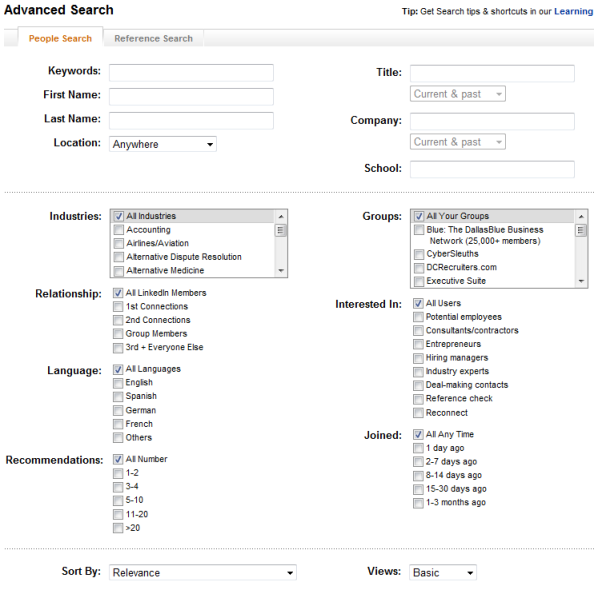
While I’ve written about the fact that LinkedIn’s search fields appear bottomless (I have yet to find a limit to the number of characters/terms that can be entered and searched for), I don’t know of many people who try and take advantage of LinkedIn’s limitless search fields.
See where I might be going here? Continue reading

 When you’re searching the Internet for potential candidates, it’s quite common (and practical) to search for resumes of people who are likely to be local to your opportunity. The two main ways of doing this are
  When it comes to searching LinkedIn using Internet search engines such as Google or Yahoo, there are many different ways to construct your search string (“X-Ray” or otherwise) and get results.