Just a short while ago I posted a piece on how some people are no longer able to view full profiles of their 3rd degree LinkedIn connections when logged in and searching withing LinkedIn.
At the time of the article, I had not been affected, and I kept checking daily to see if and when I would be.
Alas, the time has come – I can no longer view full profiles of 3rd degree LinkedIn connections with my free account when I am searching within LinkedIn.
Well, I take that back.
Although I no longer enjoy automatically being treated to full profiles of 3rd degree connections while searching LinkedIn with my free account, here are 4 ways in which I can view a full profile of my 3rd degree connections:
#1 Use Google or Bing to search for the profile while not logged in
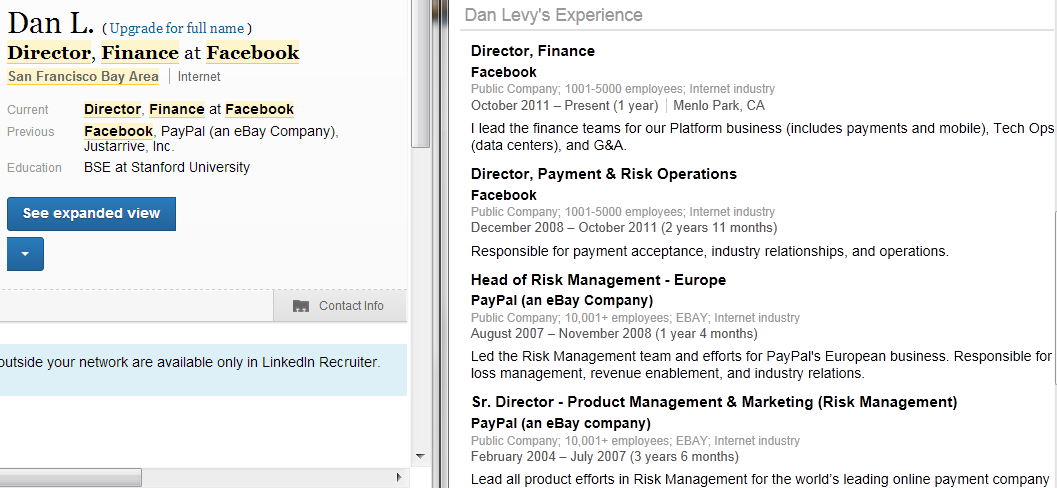
I can take the headline phrase or a unique combination of keywords from the 3rd degree profile I am trying to view and use Bing or Google to search for that phrase/term combo in another browser in which I am not logged into LinkedIn (or use Chrome incognito).
Here you can see Chrome on the left in which I am logged into LinkedIn, and IE on the right in which I am not logged into LinkedIn.
#2 Search for them by name
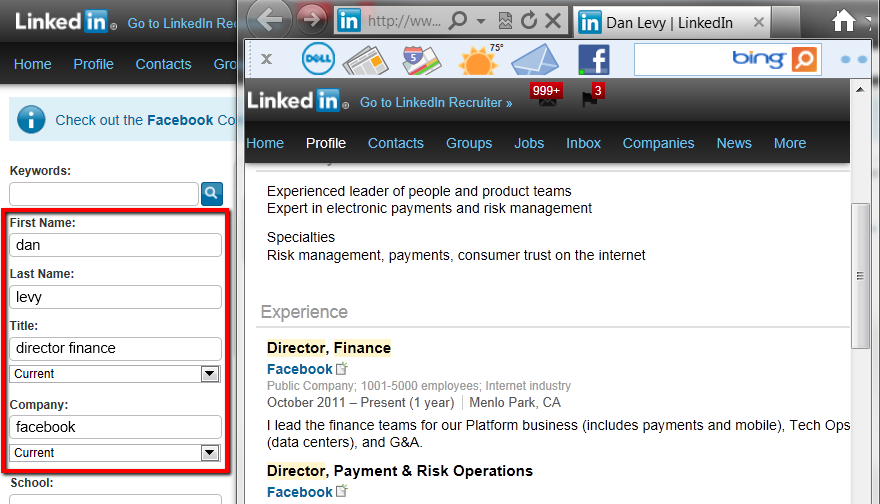
Even while still logged into LinkedIn, I can quickly X-ray for the person’s public profile, snag their full name, then search for them by name.
Because LinkedIn allows you to see full profiles of people you search for by name (they assume you know the person, otherwise why would you know their name? <unless you’re a sourcer>), you can see their full profile while logged in.
#3 Export to PDF
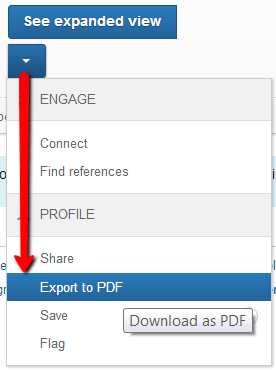
I can also view full profiles of 3rd degree LinkedIn connections if I click on the blue arrow below “See Expanded View” and select “Export to PDF.”
Once I open the PDF, I can see the full profile contained within.
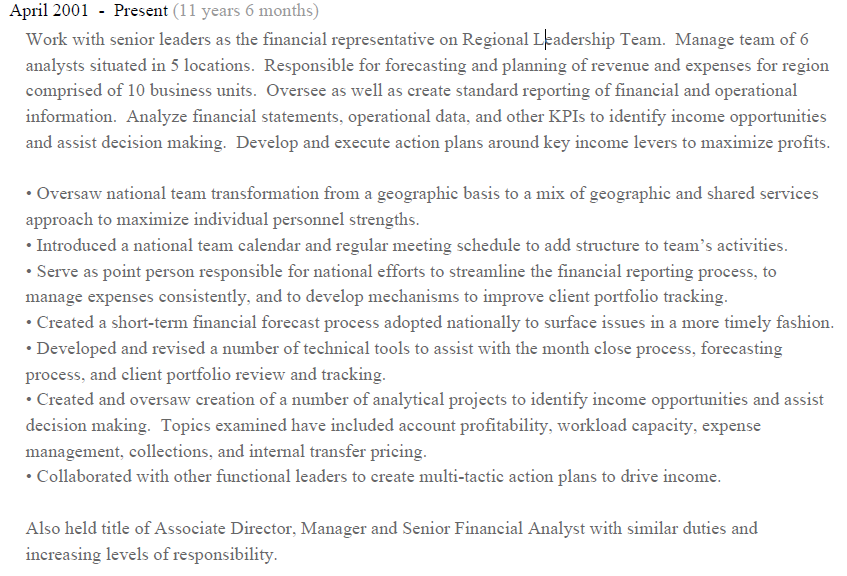
Additionally, when I scroll to the last page of the PDF, I find a link with “Contact <first name> on LinkedIn.”
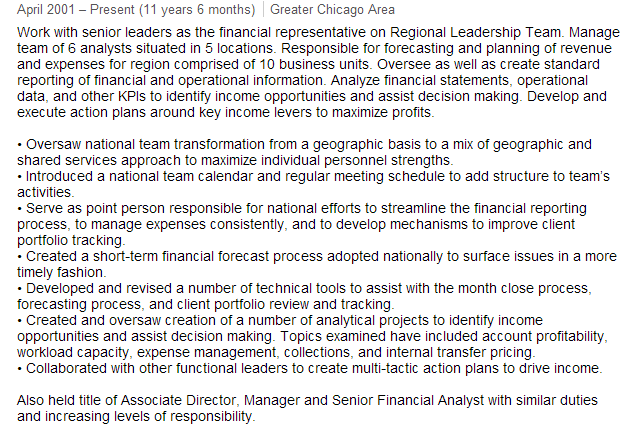
When I click on the link, I am taken to their profile on LinkedIn, which I can view in its entirety (note the content from the web profile below is the same as the PDF content above).
I tried using the same link format [http://www.linkedin.com/profile/view?id=XXXXXXXX&authType=name&authToken=2Ol8&goback=] with different profile ID’s but that didn’t work for me.
Darn tokens.
#4 Share the profile
Some of you may be wondering why I’ve actually never written about the “Share” method in which you can send a profile to someone else and copy yourself to get a link to view the full profile.
While I know this is a popular method for many, it has never really been a viable method for me because my network is so large that when I try to type in a name or use the LinkedIn address book, the system either times out or I get tired of waiting for names to show up/load.
For the sake of this post I tried to be very patient and after a few attempts I was able to share a 3rd degree profile with someone, copy myself, and then view the full profile from the link in the message in my inbox.
However, it’s much faster and easier for me to simply use methods 1-3 above.
Of course, the LinkedIn team is likely already looking into closing these holes, but some of these methods have been published and in use for years, so you may be able to enjoy them for quite some time.
Sharing is Caring
If you found this post helpful, please share it with someone you think would benefit.
They’ll thank you.
 I’m writing this from the International terminal of Atlanta’s Hartsfield-Jackson airport – the busiest airport in the world.